

 14 hours ago
1
PROTECT YOURSELF with Orgo-Life® QUANTUM TECHNOLOGY
Orgo-Life the new way to the future Advertising by AdpathwayLinkedIn content planning tools can help a company coordinate posts from several spokespeople without making every profile sound the same. The difficult part is not filling a calendar: it is getting the right person’s approval, protecting access to their account, and making sure each post reflects what that person is actually prepared to say.
You can open Table of Contents show
A shared calendar can show that a founder, a product lead and a finance executive are all planning to comment on the same launch. It should also reveal who owns the draft, who must approve it, and whether it is meant for an individual profile or the company page. Those are separate destinations with different permissions and reporting limits.
We compared six tools whose documentation describes planning or scheduling to LinkedIn profiles and company pages. This is a documentation-based comparison, not a hands-on test or performance ranking. Confirm the relevant plan, the number of connected accounts, approval features and supported post formats before purchasing. Inclusion is independent of sponsorship.
Six options at a glance
| Buffer | Simple profile and page scheduling | Confirm team approvals and channel limits |
| Sprout Social | Formal profile permissions and approvals | Check plans, users and profile access |
| Hootsuite | Calendar planning and approval requests | Profile visibility settings and plan |
| Planable | Collaborative review and approval workflows | Approval configuration and connection permissions |
| Later | Visual calendar and supported post formats | Verify profile-specific publishing limitations |
| Metricool | Connected profiles and pages with analytics | Permission and metric differences by account type |
1. Buffer
Buffer documents connecting LinkedIn personal profiles and company pages and scheduling to the selected channel. For a small communications team, that makes it a useful starting point for comparing a shared publishing workflow with a collection of individual calendars.
Best for: Smaller teams seeking straightforward profile and page scheduling.
Why a team might choose it: A coordinator can prepare posts for a founder’s profile and a company page as separate destinations, then review the timing across a campaign. The individual should remain involved in approving the words attributed to them.
What to consider: Confirm which collaboration and approval features are included in your plan, whether each spokesperson can authorize their own profile and what happens if a connection expires. Page analytics and personal-profile analytics are not interchangeable.
2. Sprout Social
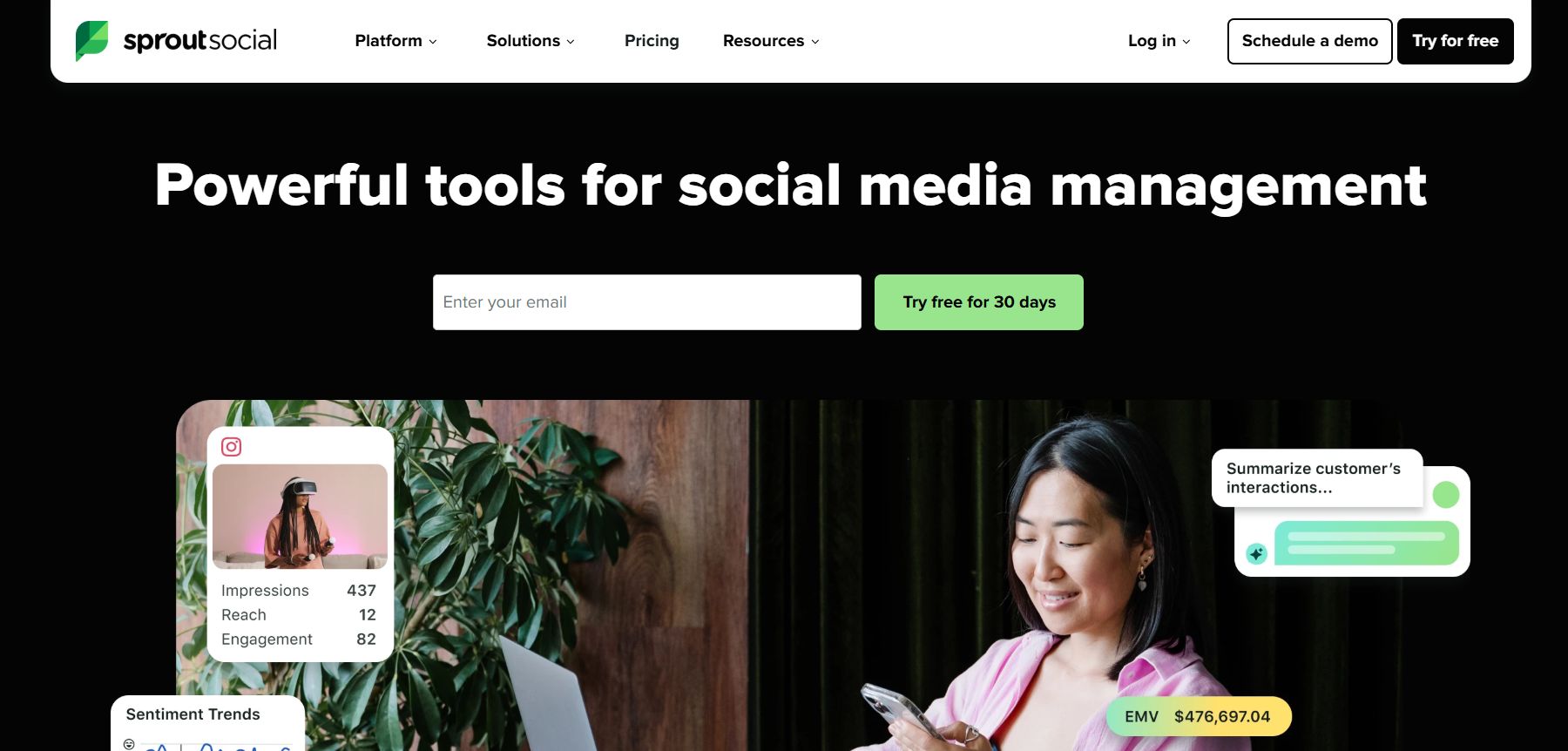 Sprout Social provides an all-in-one platform for managing social media channels and analyzing audience interactions.
Sprout documents publishing and calendar management for LinkedIn personal profiles, with an approval workflow for posts. Its permissions documentation also distinguishes between a user who needs approval and one with broader publishing access.
Best for: Teams that need a more explicit approval and permissions model.
Why a team might choose it: A communications manager can evaluate whether each draft can move through the relevant reviewer before publishing to an executive’s connected profile. That is helpful where legal, brand or the spokesperson needs to sign off on different kinds of statements.
What to consider: Check the current plan, seat and connected-profile costs, and ask exactly who can authorize or remove a connection. Approval settings need to reflect real responsibilities; a tool cannot establish whether a quotation or experience is true.
3. Hootsuite
Hootsuite documents creating LinkedIn posts for a profile or page, planning them in a calendar and requesting approval. It can be considered by a team that already manages several social channels and wants LinkedIn included in the same process.
Best for: Communications teams coordinating LinkedIn with a broader social calendar.
Why a team might choose it: The calendar can make overlapping announcements visible before they go live, while an approval request provides a route for the relevant person to review a draft.
What to consider: Hootsuite notes a LinkedIn personal-profile visibility setting for its workflow. Verify account permissions, available post formats and the approval options in the actual subscription before rolling out several spokesperson accounts.
4. Planable
Planable documents scheduling for LinkedIn personal profiles and company pages, including workflows where posts require approval before scheduling. That makes the review stage central to the comparison for teams handling several executive voices.
Best for: Teams prioritizing collaborative review before a post is scheduled.
Why a team might choose it: A draft can move through a defined approval process, making it clearer which posts are still waiting on the spokesperson or another reviewer. A shared view can also reduce the chance of conflicting messages across a launch.
What to consider: Required and multi-level approvals depend on the workspace configuration and product terms. Confirm that each intended profile can be connected, how review notifications work and whether the team can restrict who publishes on behalf of each person.
5. Later
Later documents planning and scheduling LinkedIn posts from a calendar for profiles and company pages. It lists supported content formats, which is especially useful when a team plans text, images and video for different spokespeople.
Best for: Teams comparing a visual calendar for a mix of post formats.
Why a team might choose it: A visual schedule gives a coordinator a view of what is queued across connected accounts, allowing image-led posts and announcements to be spaced alongside each other.
What to consider: Its documentation contains profile-specific format limitations, so verify the current capability for the exact account and media type instead of assuming page and profile support are identical. Check approval, role and pricing requirements separately.
6. Metricool
Metricool documents connecting a LinkedIn personal profile and company pages where the user has the required permissions. It also documents differences between page and personal-profile reporting.
Best for: Teams considering connected publishing and reporting across account types.
Why a team might choose it: A coordinator can assess profile connections alongside page management, while using the platform’s reporting to review what information is available after posts are published.
What to consider: Metricool says a company-page connection requires appropriate administrative permission, and that a single brand can connect either a personal profile or a company page, not both simultaneously. It also notes that some metrics are unavailable for personal profiles; ask how many brands and subscriptions your spokesperson setup needs. Confirm scheduling, approval access, user limits and the exact metrics on the chosen subscription.
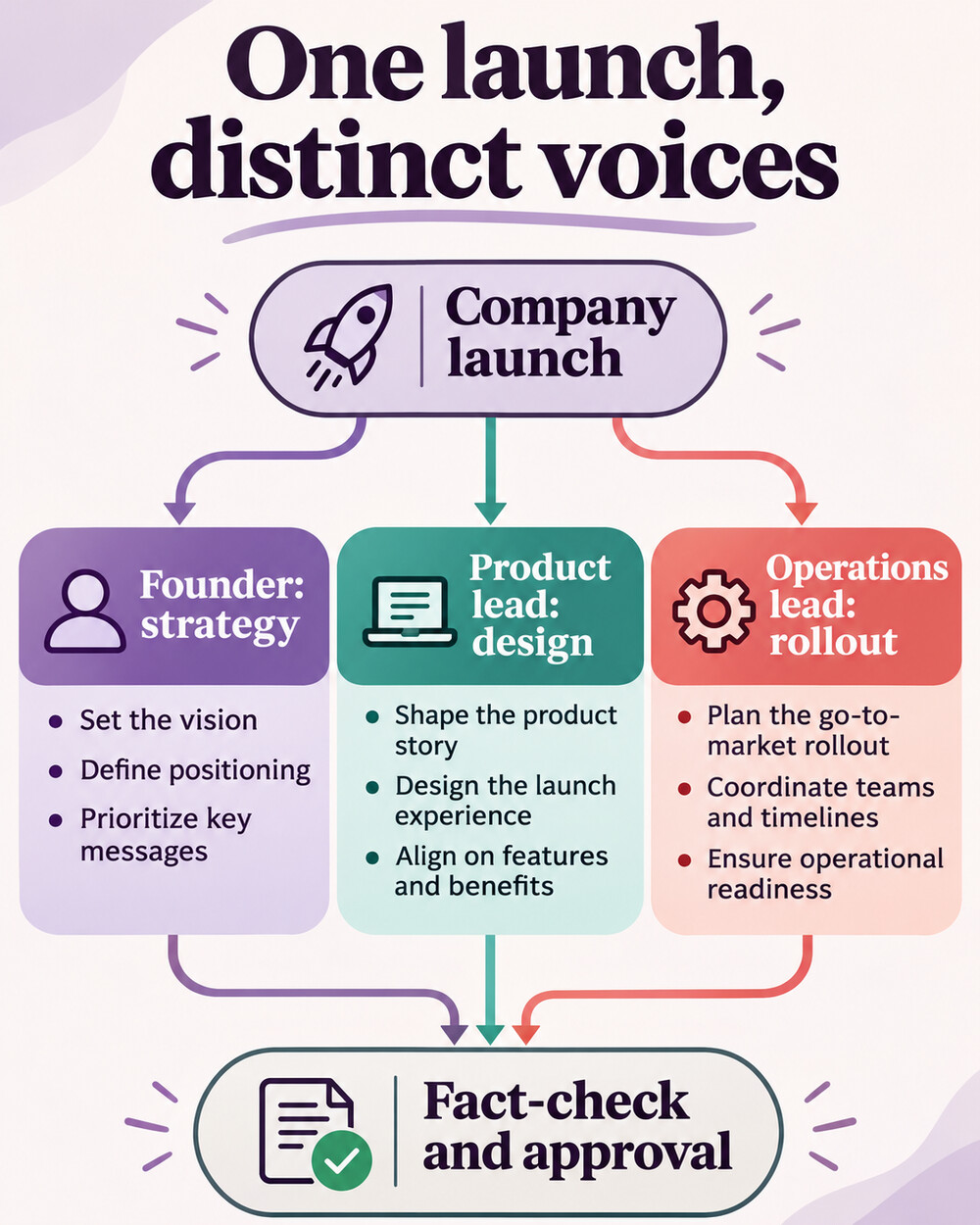 Diagram of founder, product and operations perspectives on a company launch, followed by fact-checking and approval.
Set up a spokesperson workflow that respects ownership
Imagine a company preparing a product launch with three spokespeople: the founder addresses the strategic decision, the product lead explains a concrete design choice, and the operations lead discusses implementation. A coordinator records the proposed date, audience, claim to verify, reviewer and linked source for each draft. The company page can carry a separate announcement rather than three copies of the same statement.
- Ask each spokesperson to authorize their own profile connection; do not share passwords.
- Keep a named owner and approval step for every post, including factual, legal or customer-specific review where needed.
- Allow the spokesperson to edit the wording so it matches their knowledge and actual views.
- Use distinct examples and avoid presenting a company claim as an employee’s personal experience.
- Check status and the live post after the scheduled time; investigate failures without assuming delivery.
LinkedIn itself supports scheduling for individual posts and eligible page administrators. Native scheduling may be enough for a small team, although it does not automatically provide the shared review workflow described above. A planning platform is worthwhile when the added coordination and approval controls solve a real operational problem.
The FTC explains when an employee’s relationship to a brand should be disclosed in an endorsement. CISA’s social media security guidance covers account protection. For a broader editorial process, see the content strategy guide and the discussion of thought leadership. Choose the tool your team will maintain, and make every spokesperson’s consent and final review part of the process. A well-managed calendar supports a voice; it cannot create the underlying expertise or verify a claim on its own.






















 English (US) ·
 French (CA) ·
 French (FR) ·